Steps to getting on Yoodli:
From the email you got to Prudential, sign up at https://app.yoodli.ai/signup. You can use your prudential or personal email. Must sign up before you can join the group. Otherwise, you will get an error when you try to log in below.
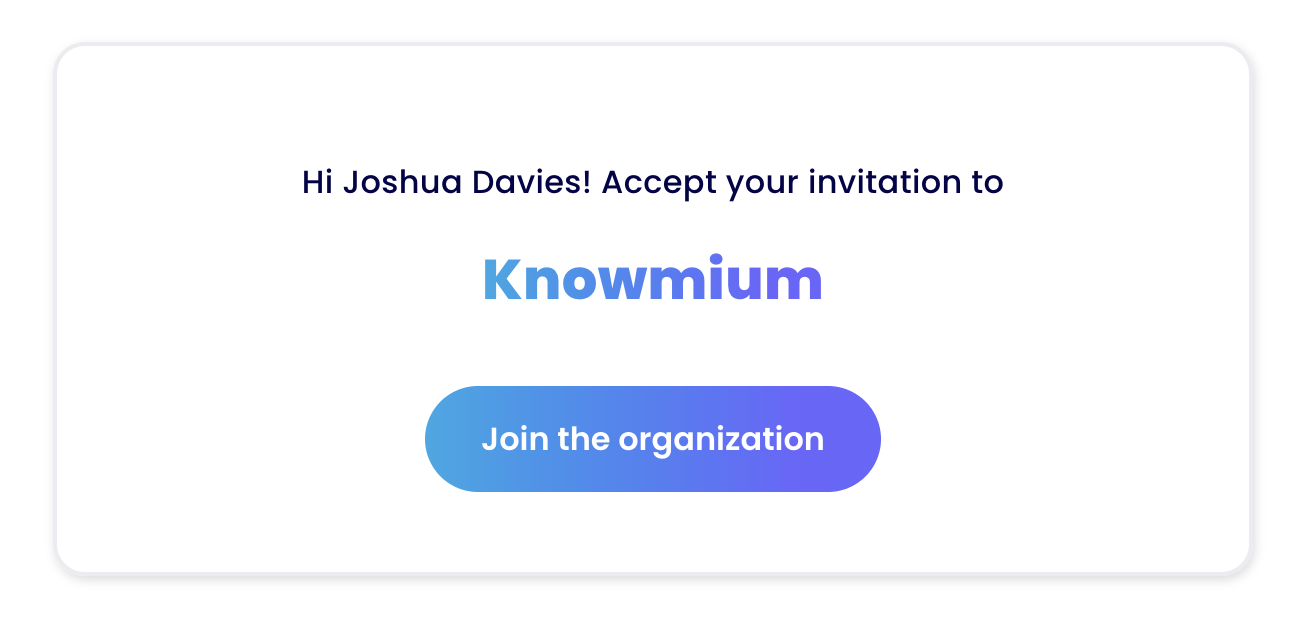
Join the group at: https://app.yoodli.ai/home?acceptInvite=true&hubId=EgxWBmS7SiBCgSoXTCr1Ec&inviteId=i8d9Uof58VF2cZx7wCS94k When you go there, you'll see an invitation to the group that looks like this:
Don't do this 3rd step during the workshop until your facilitator asks you to.After you've joined the group, click here to start your role play: https://app.yoodli.ai/practice/conversation?scenario=52o37gjkCb5BU8LTZv7Zsr&overrideOrgId=1RdLg22N3U9sUF4SbMGa2c
Troubleshooting: While the log in works for 95% of Prudential employees so far without challenges, a few location settings may require small adjustments. Relax, breathe deep, and we will help you through this. It's not you, it's the system, and we're here to help. :)
In a few Prudential locations, the security settings do not allow audio in Edge, and you may need to switch to Chrome. Oddly enough, in an even smaller number of locations, it is the other way around. Change browsers if needed.
In general, do click check that you've allowed audio in your browser window. If you haven't allowed audio, the AI will not be able to hear you.
If the above does not work: Try this on your phone. For the 5% who are not able to log in via normal means, we've had an additional 80 to 90% success using phone logins. We apologize for the inconvenience, but unfortunately do not control the security environment of individual locations.
If you're still stuck, come back to the main room and we are here to help!